
Process
Inside the edit.
Every project moves through the same five stages. Here’s what happens at each one.
Stage 01
Stage 1: Brief & footage
Understanding the footage, the story and what the final edit needs to achieve.
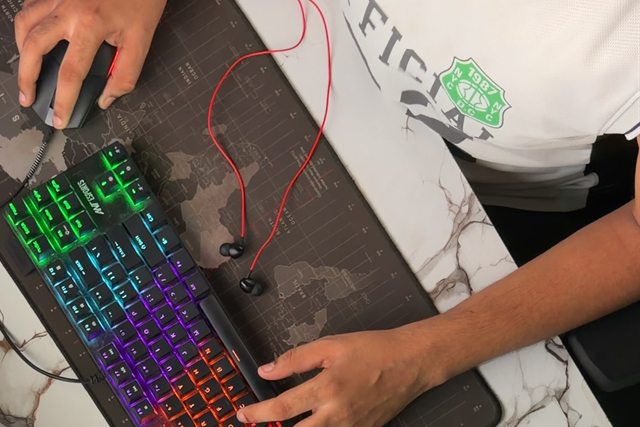
At the desk, getting into the footage. Stage 02
Stage 2: Story & rough cut
Finding the right structure, pacing and flow before polishing the details.
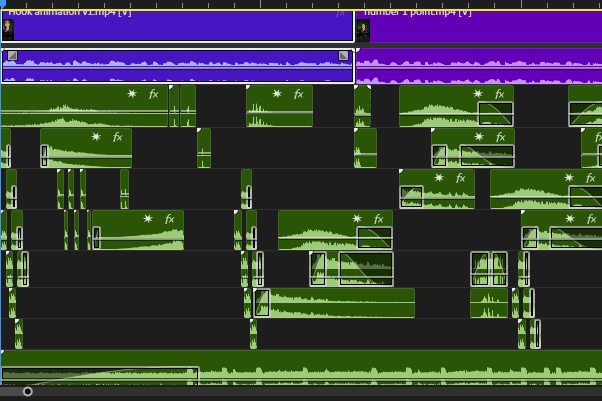
The story blocked out: hook first, then each point. Stage 03
Stage 3: Visual edit & motion graphics
Bringing the edit together with purposeful visuals, motion and precise transitions.
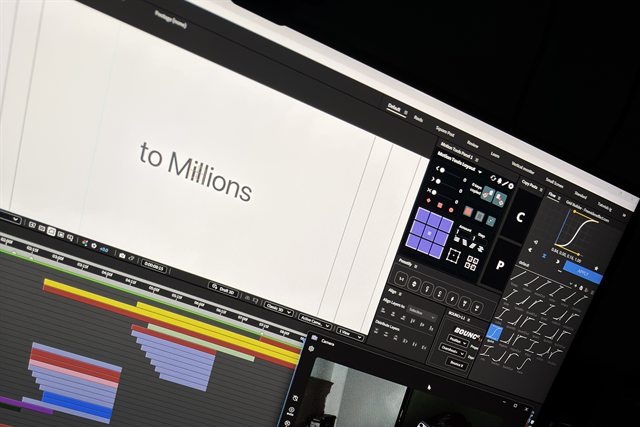
Animating type and graphics in After Effects. Stage 04
Stage 4: Sound design
Adding depth through music, sound effects and carefully balanced audio.
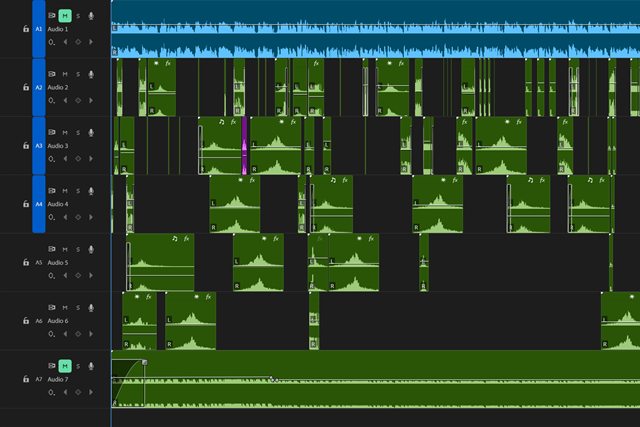
Voiceover, layered sound effects and music. Stage 05
Stage 5: Final delivery
Refining the final details and preparing the video for delivery.

The last pass before export.
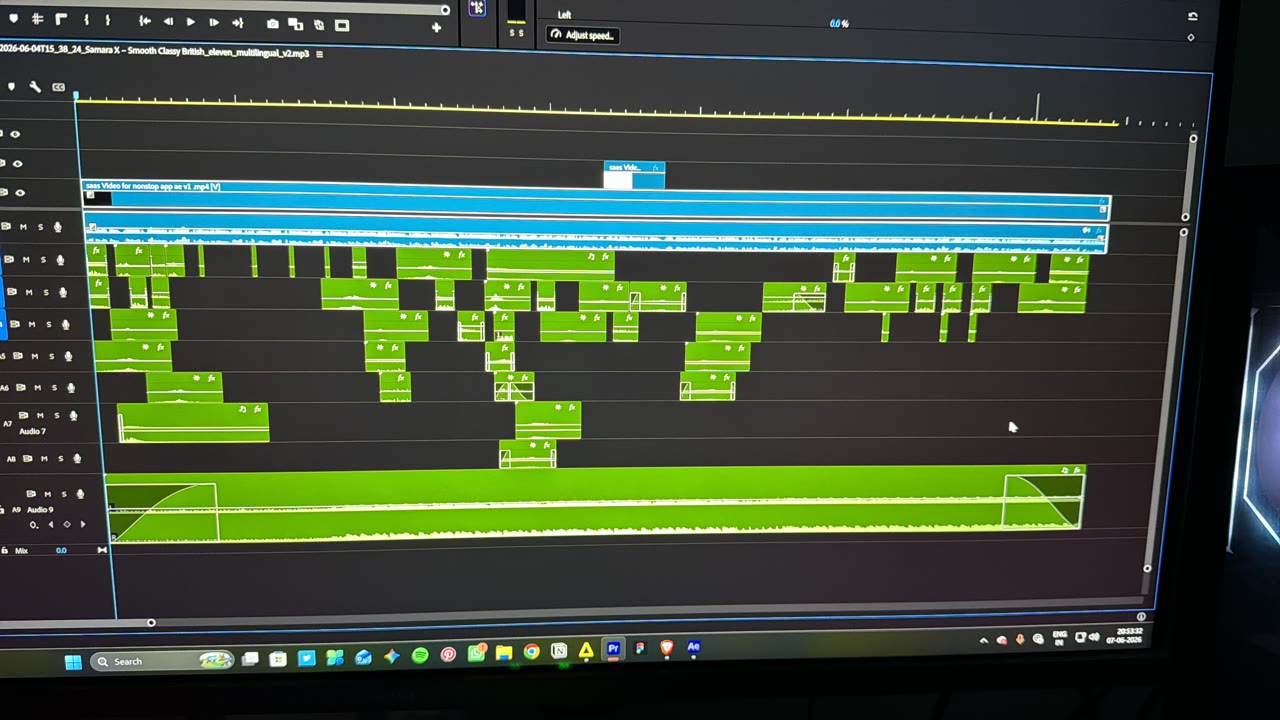
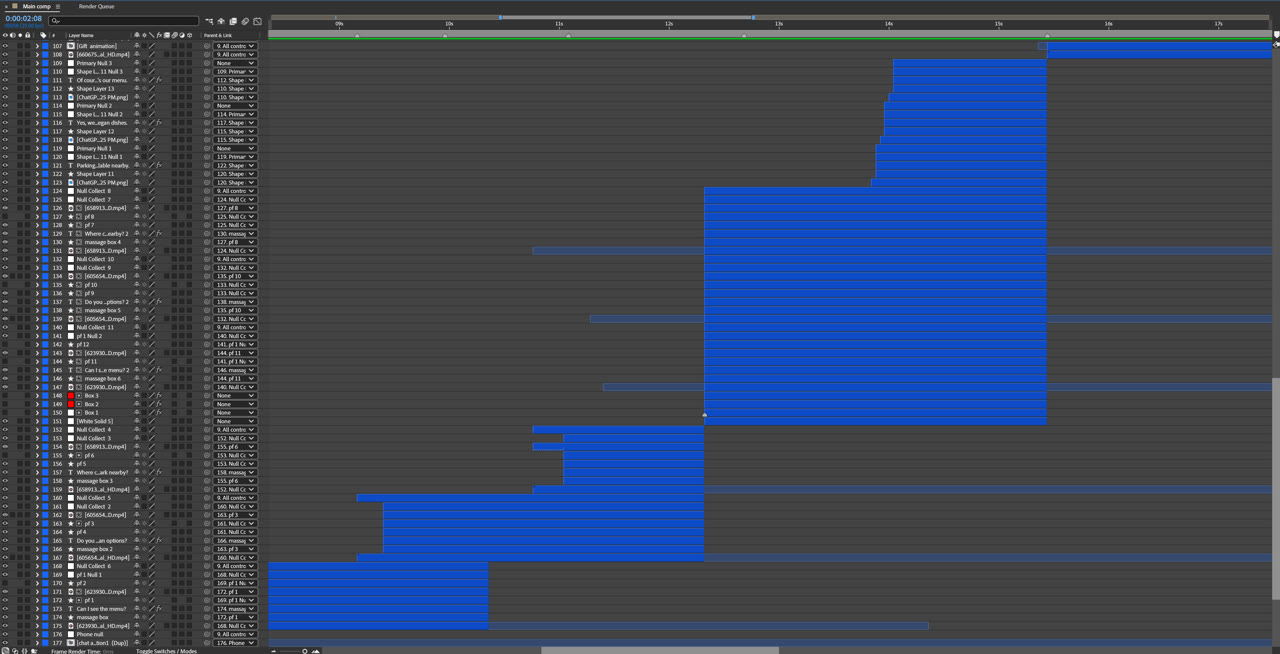
Real timelines
From my screen.
 (opens full-size image in a new tab)
 (opens full-size image in a new tab)
Have a project?
Let’s work together.
Tell me about your video: the footage, the format and when you need it.